App trick
One-tap opening
What it does
Makes entry automatic
LoopCut adds
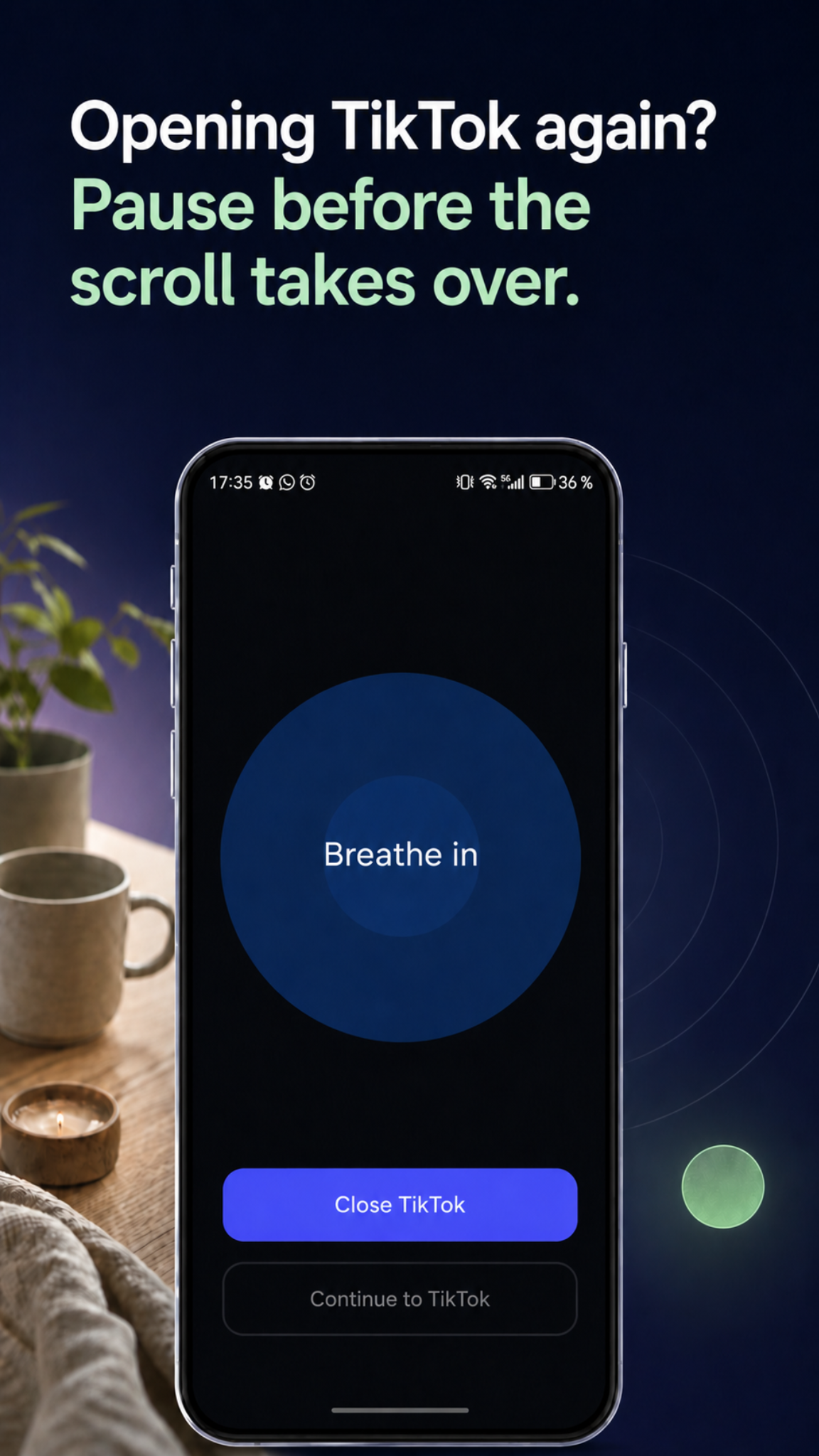
Pause before opening
Android screen time app against addictive app design
LoopCut helps you work against addictive app design on Android. Before TikTok, Instagram, YouTube, Chrome, or news apps open, it adds a pause, asks why you are opening, sets a time limit, and helps you stop before the feed takes over.
Choose
Why now?
Timebox
5 min · 10 min · 15 min
BASED ON RESEARCH
Research on self-nudge apps found that a short pause before distracting apps made a measurable difference. A 2024 HCI study on social feeds also found that adding designed friction to an infinite-scroll interface improved content recall. LoopCut applies the same lesson with pause, purpose, timebox, and well-timed stopping points.
Autopilot
Open app
Pause
Choose first
57%
fewer target app openings
6 weeks
measured intervention period
PNAS
peer-reviewed research
SMART COUNTER-DESIGN
LoopCut cannot rewrite the feed or remove every trick. Algorithms, variable rewards, and social validation still exist; notifications belong in phone settings.
See how LoopCut works against addictive app design by adding pause, purpose, time limits, and stopping points.
App trick
What it does
LoopCut adds
App trick
What it does
Makes entry automatic
LoopCut adds
Pause before opening
App trick
What it does
You forget why you opened
LoopCut adds
Purpose prompt
App trick
What it does
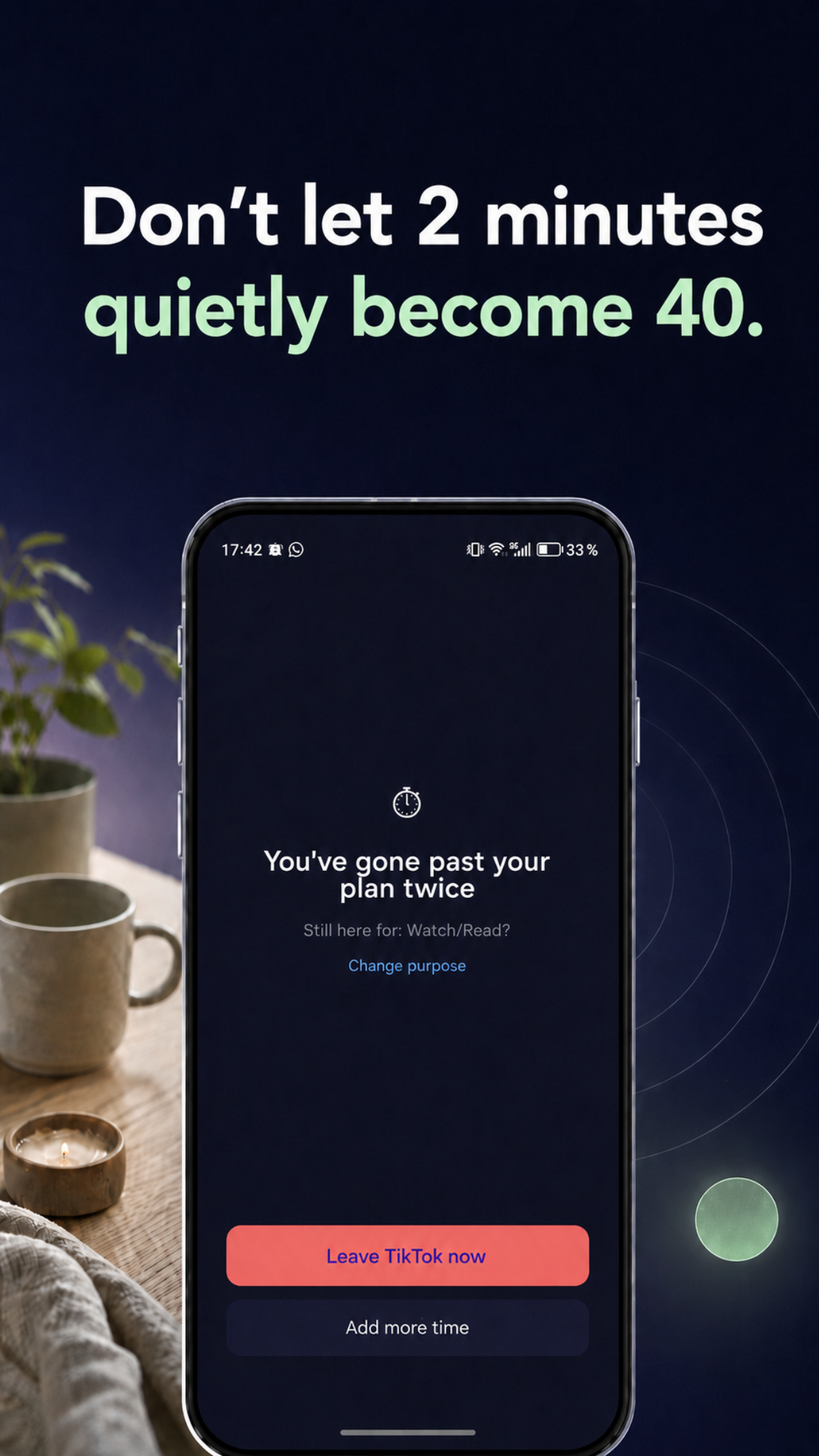
Removes natural endings
LoopCut adds
Timebox and checkpoints
App trick
What it does
Removes the next decision
LoopCut adds
Timebox and stronger breaks
App trick
What it does
Self-control is lower late at night
LoopCut adds
Sleep Guard
SELF-TEST
See what pulls you into TikTok, Instagram, YouTube, news, or chat apps, then get one realistic first rule for your pattern.
8 quick questions
Answer in under 2 minutes.
Personal scroll type
Personalized tips for less screen time
THE PROBLEM
You open TikTok, Instagram, YouTube or Chrome for "just a minute" - and before you notice, the feed has taken over.
REAL-LIFE MOMENTS
LoopCut is built around the moments where strict blockers feel too rigid and pure willpower is not enough.
Get into chat fast, then leave before one reply becomes scrolling.
Quick TaskSet the limit before the feed opens, not after time is already gone.
TimeboxKeep bedtime distractions blocked while essentials stay reachable.
Sleep GuardUse friction and urgent access instead of all-or-nothing lockouts.
No hard blockersPAUSE & PLAN
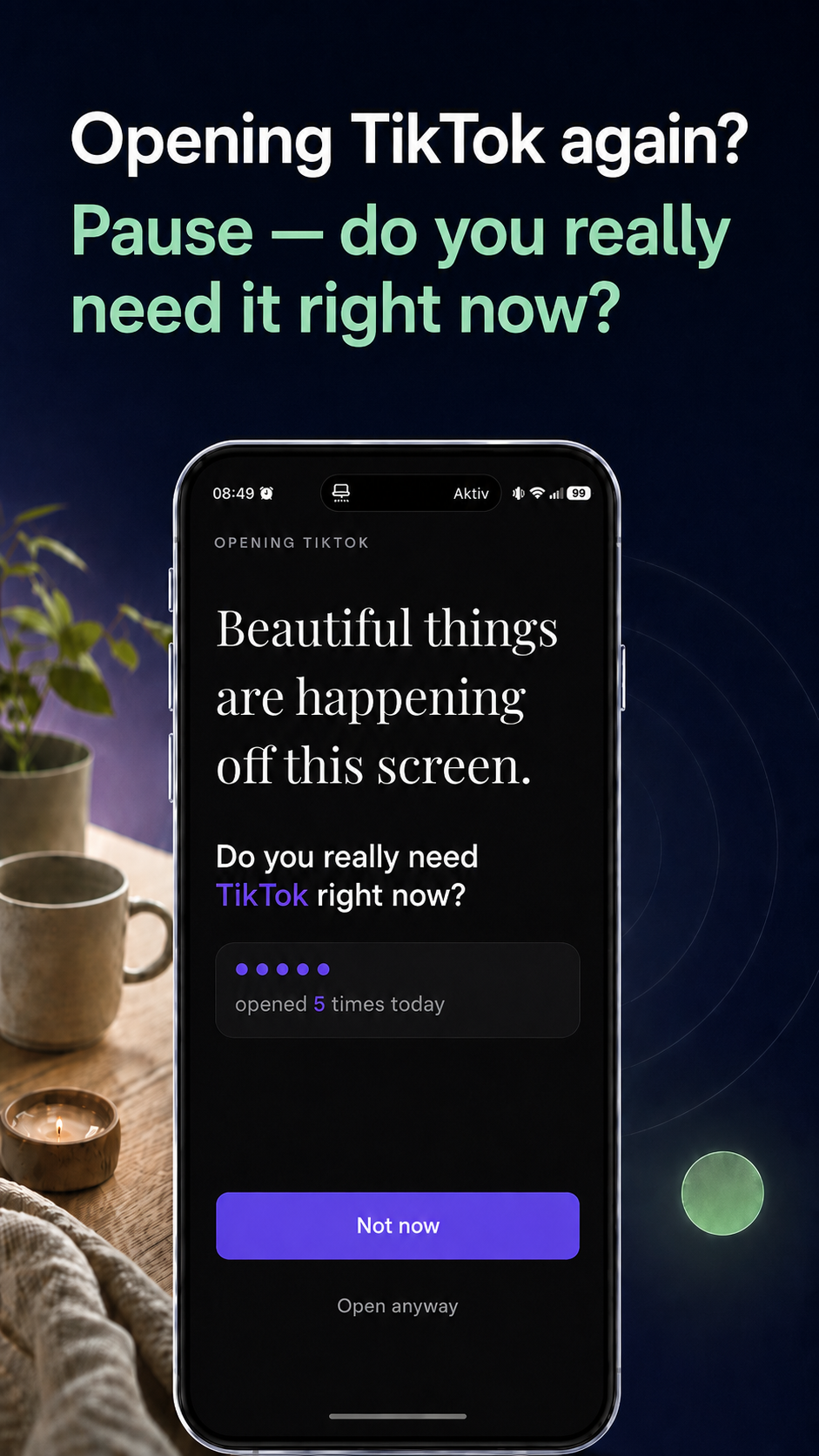
LoopCut changes the moment before the feed opens: pause, choose a purpose, and enter with a limit you can actually keep.
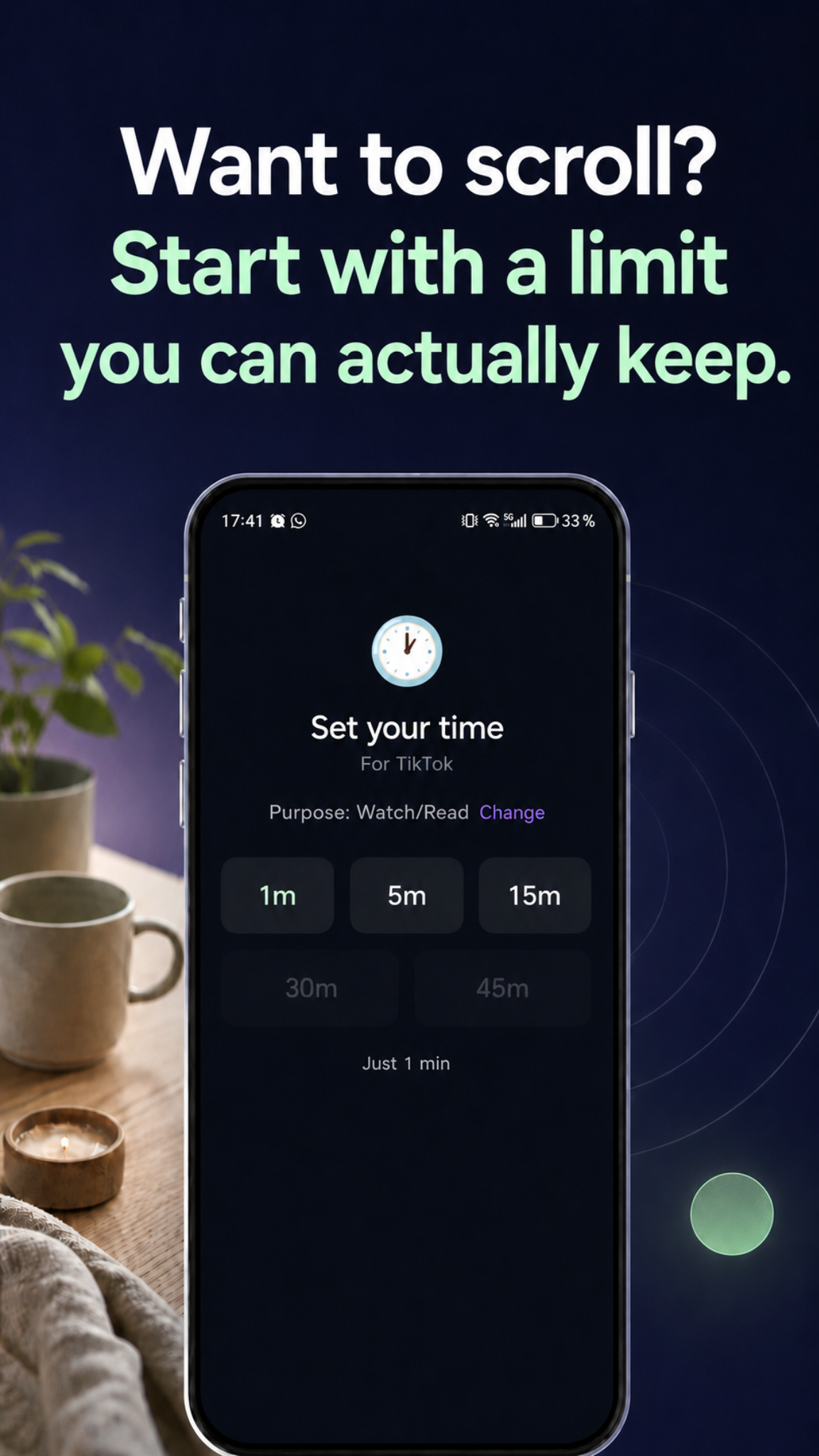
NO HARD BLOCKERS
Strict blockers often break down in real life. You need to reply, check a link, or handle something urgent.
LoopCut uses intentional friction instead: pause first, choose why, set a timebox, and keep urgent access possible.
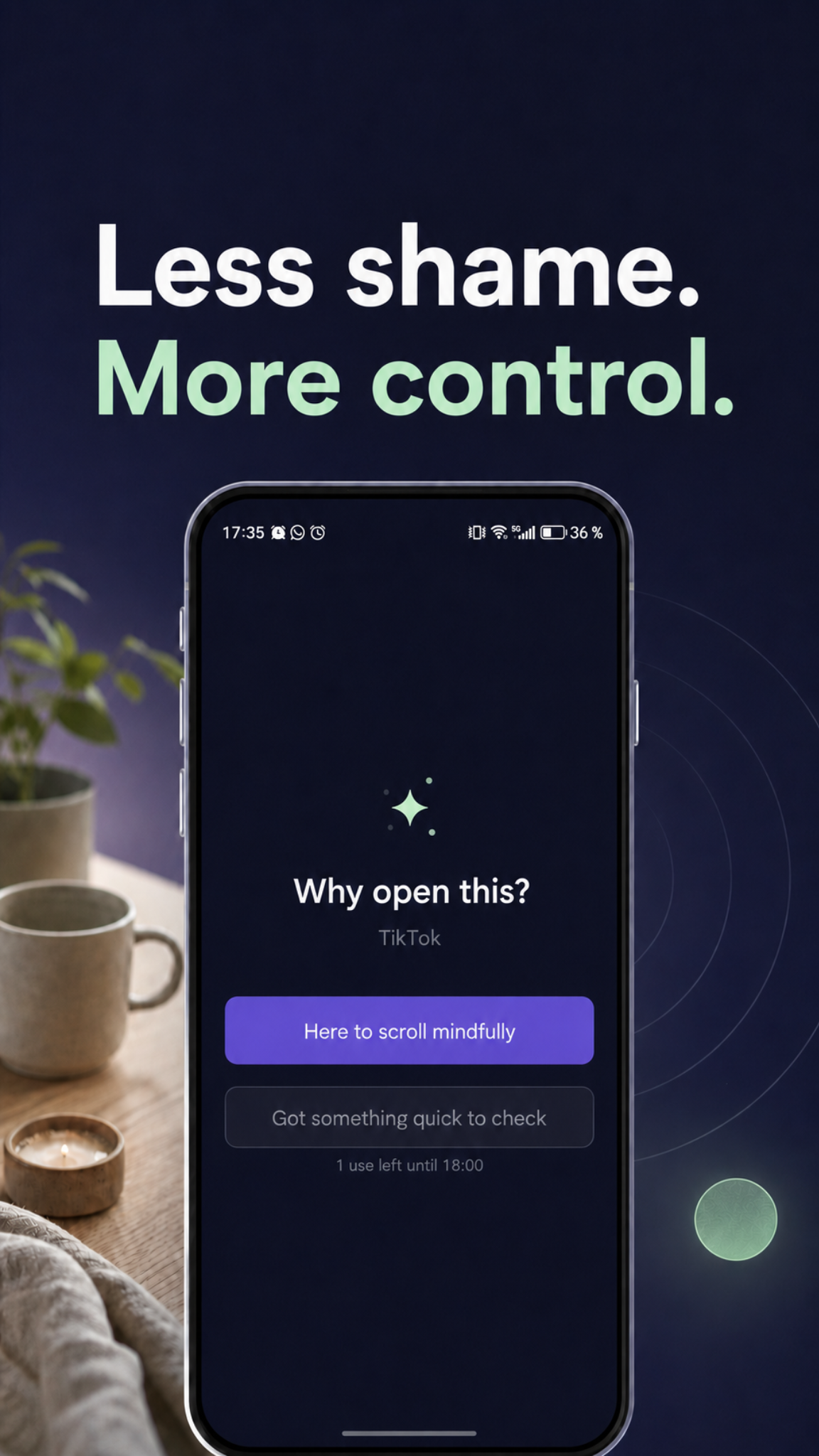
QUICK TASK
Quick Task is for the real reasons you need a distracting app: reply to one message, check one link, or handle something urgent without disabling protection.
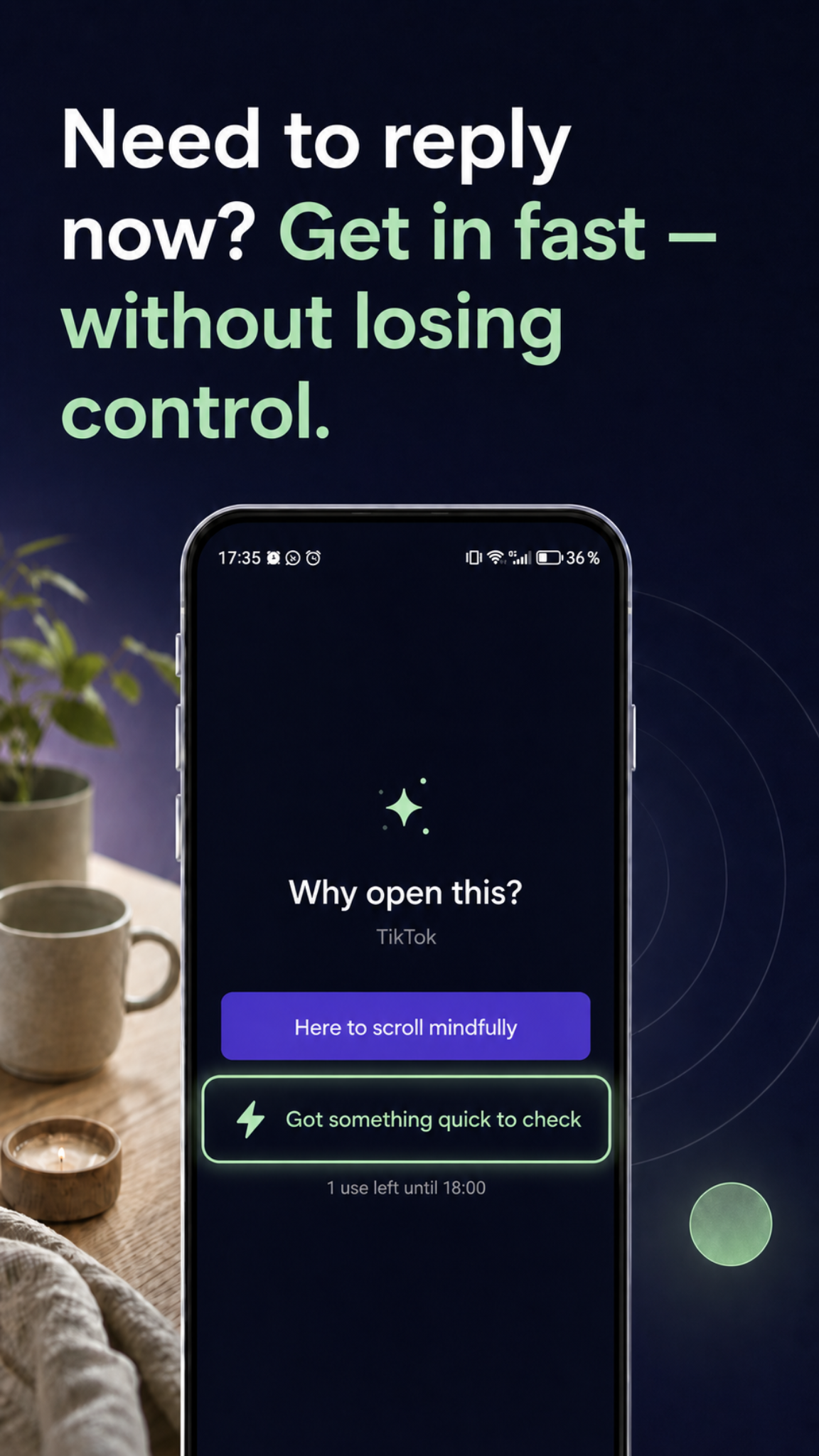
RESET BREAK
When autopilot keeps pulling you back, LoopCut helps you step away and reset.
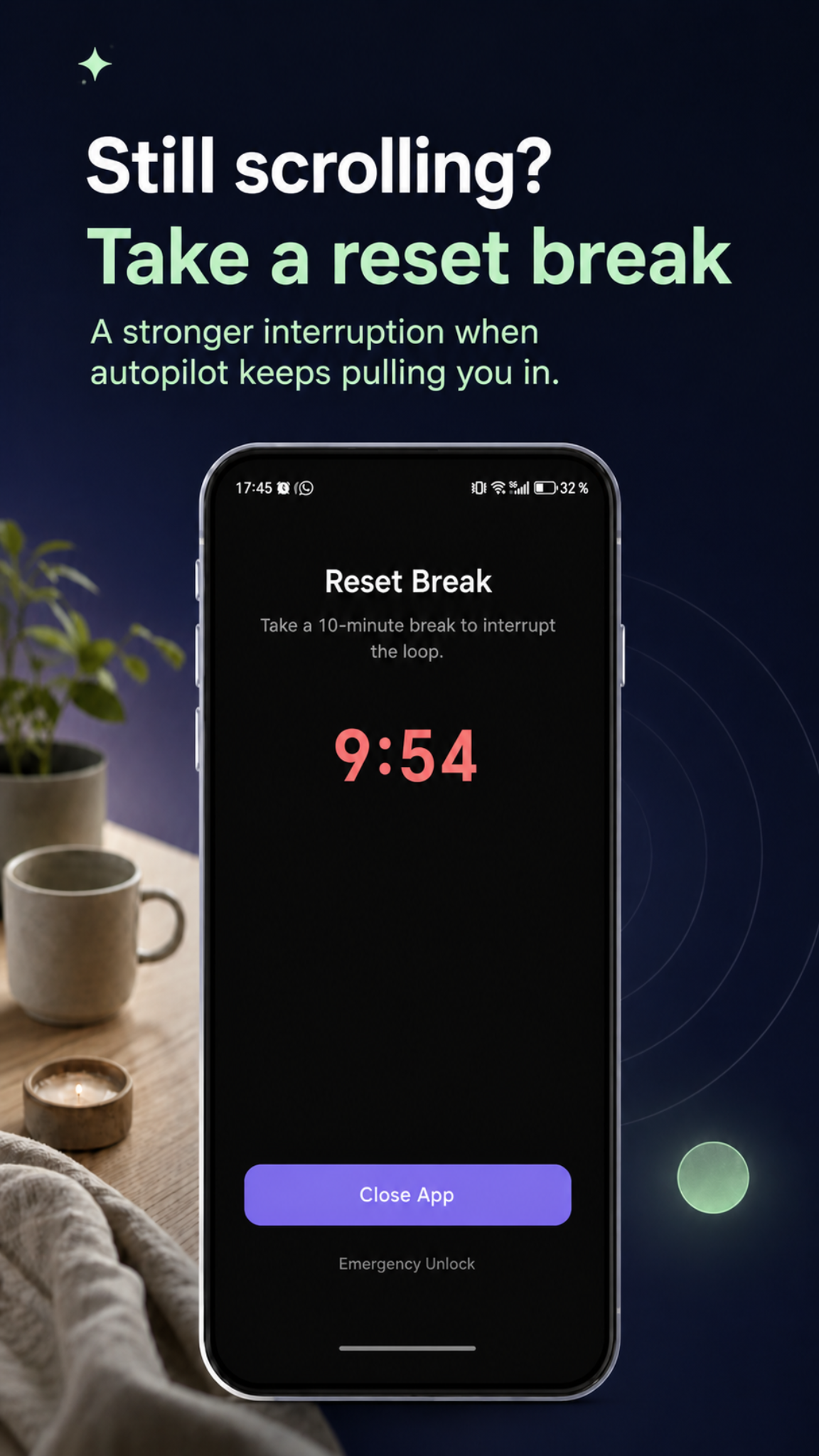
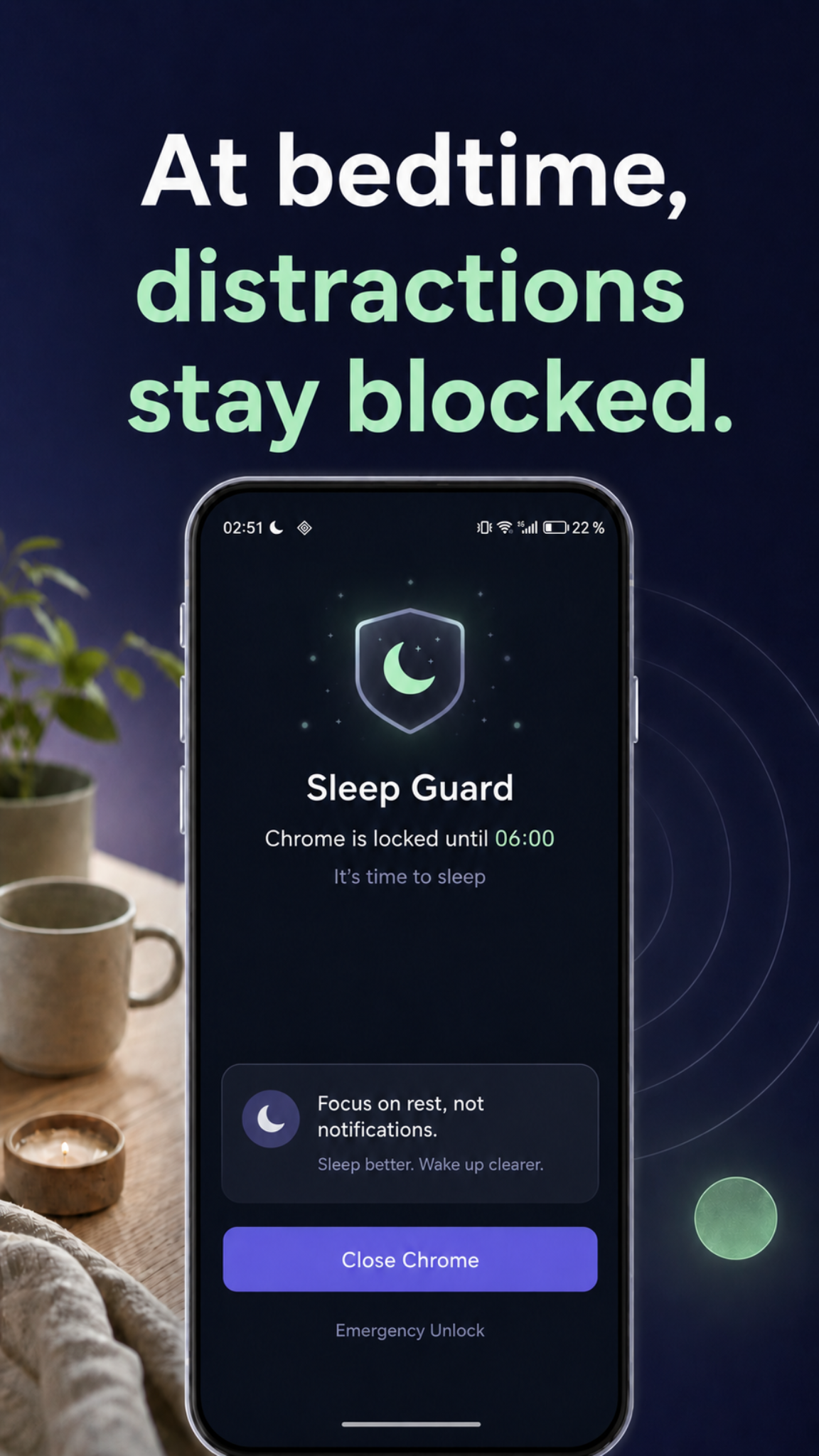
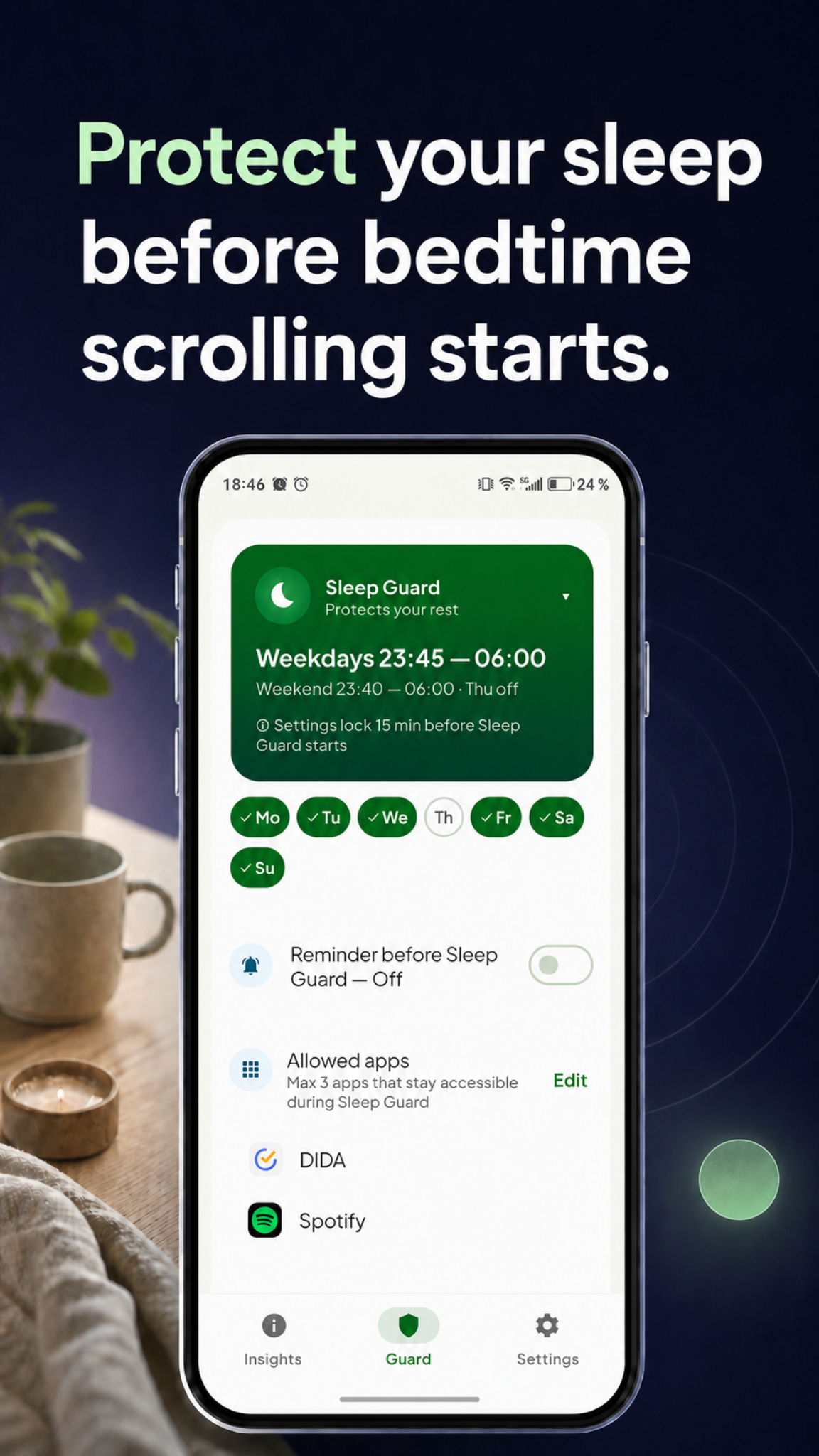
SLEEP GUARD
Protect your sleep by keeping distracting apps blocked during bedtime.
GET TIME BACK
Some days, unconscious scrolling can take hours. Even saving 20 minutes a day gives you back more than 120 hours a year for work, sleep, friends, family, and wellbeing.
2.4 weeks
Time saved
YouTube
4.6 days
Time saved
TikTok
1.1 days
Time saved
Chrome
0.8 days
Time saved
Helpful next steps
Start with your own scroll pattern, then read practical guides for common Android screen time situations.
PRIVACY
LoopCut uses Android permissions to detect when guarded apps are opened and show the right pause at the right time. It is designed to avoid collecting personal content such as messages, browsing history, notifications, or what you type into other apps.
Privacy PolicyFAQ
Straight answers about how LoopCut works on Android.
LoopCut can block distracting apps, but its main idea is smart friction: pause first, choose intentionally, and keep urgent access possible.
Yes. LoopCut is designed to work against addictive app design by adding pause, purpose, time limits, and stopping points before and during distracting app use.
LoopCut can guard distracting apps you choose, including social media, video, browser, and news apps, so opening them becomes more intentional.
Android Digital Wellbeing shows usage data and can set app timers. LoopCut focuses on the moment before and during app use: pause first, choose why, set a limit, and add stopping points.
Yes. Quick Task is designed for urgent checks with time and use limits.
Sleep Guard helps keep distracting apps blocked during bedtime so you can protect your rest.
LoopCut needs specific Android permissions to detect guarded app launches and show its pause screen reliably.
CONTACT
Some Android phones need extra settings for LoopCut to work reliably. If you get stuck, contact us and we'll help.
Cut the autopilot loop before the next distracting app opens.