8 quick questions
Answer in under 2 minutes.
Free, non-diagnostic scroll type test
This free scroll type test helps you understand the habit behind TikTok, Instagram, YouTube, news, chat apps, or bedtime phone use. It is not a medical diagnosis; it gives you a practical pattern and one first rule to reduce screen time.
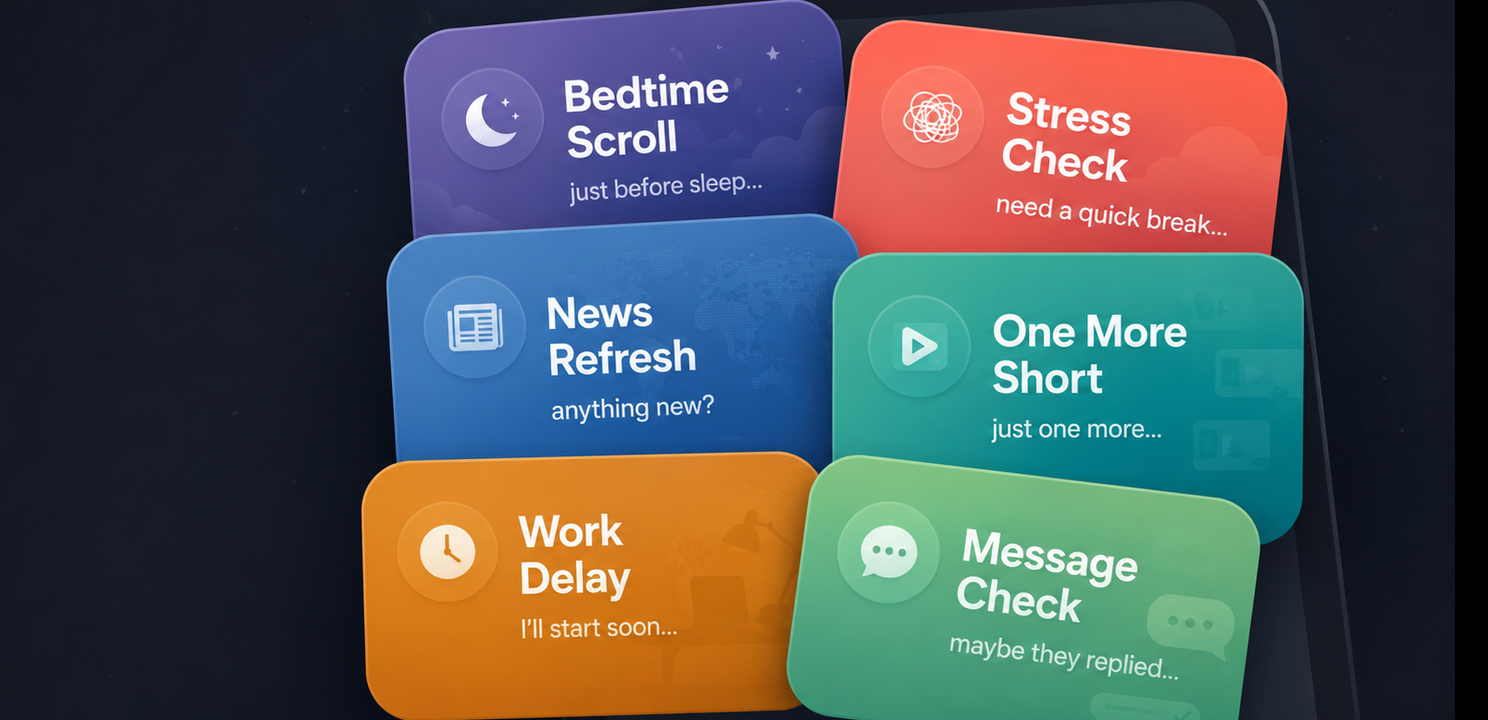
Answer in under 2 minutes.
See the pattern behind your scrolling.
Get a realistic next step.
Why it helps
Most people do not lose time on their phone for one single reason. The pattern can be automatic opening, bedtime fatigue, stress checking, short-video loops, news refreshing, work avoidance, or waiting for replies.
A useful digital detox plan starts by naming the pattern. Once you know when the loop starts, you can choose the right kind of friction: a pause before opening, a purpose prompt, a timebox, a Quick Task path, Sleep Guard, or a reset break.
Self-Test
Answer 8 quick questions. You will get your scroll type, one small rule to try first, and personal tips for less screen time.
Digital Detox
0%
Question 1 of 8
Compare
These are the common patterns the test can identify. After your result appears above, you can compare it with other patterns you may also want to check.
Trigger
Tired evenings, sofa time, and bedtime phone use.
First mini rule
Charge your phone outside the bed tonight and plan a 10-minute replacement: reading, music, tea, stretching, or writing down a few thoughts.
Trigger
Stress, pressure, and the need for a quick escape.
First mini rule
Before opening your problem app, breathe out slowly once and ask yourself: "What do I actually need right now?"
Trigger
Waiting, uncertainty, and the feeling that you may miss something.
First mini rule
Choose two fixed news windows per day and do not open news outside those windows.
Trigger
Boredom, low energy, and short-video feeds that keep moving.
First mini rule
Move the app into a folder called "Why now?" and only open it after a 10-second pause.
Trigger
Difficult tasks, unclear starts, and focus avoidance.
First mini rule
Put your phone out of sight for the first 20 minutes of a task.
Trigger
Waiting for replies, open conversations, and social uncertainty.
First mini rule
Turn off notifications for one hour and check messages intentionally at one fixed time.
Next step
A mini rule is a useful first step, but the hard moment usually comes later, when the app is one tap away. Apps like LoopCut can turn your scroll type into support at that moment: a pause before opening, a clear purpose, a realistic timebox, or a guard for the times you are most likely to slip.
Before autopilot starts.
Works best for
Know why you opened it and get a reminder if it goes over your time plan.
Works best for
Reply without drifting into the feed.
Works best for
Protect the last part of the day.
Works best for
After repeated time extensions.
Works best for
FAQ
A scroll type test helps you identify the pattern behind your screen time, such as automatic opening, bedtime scrolling, short-video loops, stress checking, news refreshing, or social checking.
No. This is not a medical diagnosis. It is a practical screen time and scrolling habit test that helps you understand your common triggers and choose a realistic first rule.
Most people finish the test in about two minutes. It uses 8 short questions to find the pattern that most often pulls you back to distracting apps.
You get your scroll type, the strongest trigger behind it, one first mini rule, and a practical way to use pause, purpose, time limits, or stronger breaks before distracting apps open.
Start with one rule that matches your pattern. Bedtime scrolling may need Sleep Guard, quick checking may need a pause before opening, and short-video loops may need a short timebox plus stronger reset breaks.
No. LoopCut is built around intentional phone use. You can still open important apps, but the pause, purpose, and timebox help stop quick checks from becoming long scrolling sessions.
The test is useful for TikTok, Instagram, YouTube, Chrome, news apps, chat apps, and other apps that tend to pull you into repeated checking or endless feeds.
Your result points to a starting setup, such as Sleep Guard, Quick Task, pause before opening, or stronger reset breaks. The goal is to match the app setup to your actual scroll pattern.
Use your result to choose one rule, then use LoopCut to add pause, purpose, and time limits before distracting apps open.